Many businesses run important processes in Excel. At the beginning, that often makes perfect sense. Excel is familiar, flexible, and fast to get working.
But some spreadsheets do not stay simple for long. Over time, they collect formulas, dropdowns, helper sheets, exceptions, manual rules, and years of practical business knowledge.
At that point, the file is no longer just a document. It becomes part of the business system.
Excel is often the first version of a business system
Many custom software projects begin with an Excel file. This is especially common in areas such as cost allocation, budget planning, invoice processing, document handling, reporting, resource planning, and approval workflows.
Usually the file grows slowly. One formula is added. A new sheet appears. A hidden column starts doing calculations. Someone adds a workaround because the process changed. Over time, the spreadsheet still works, but only one or two people really understand it.
That creates risk. If the person who understands the file is unavailable, the process slows down. If a formula is changed by accident, the output may be wrong. If multiple versions exist, nobody is fully sure which one is correct.
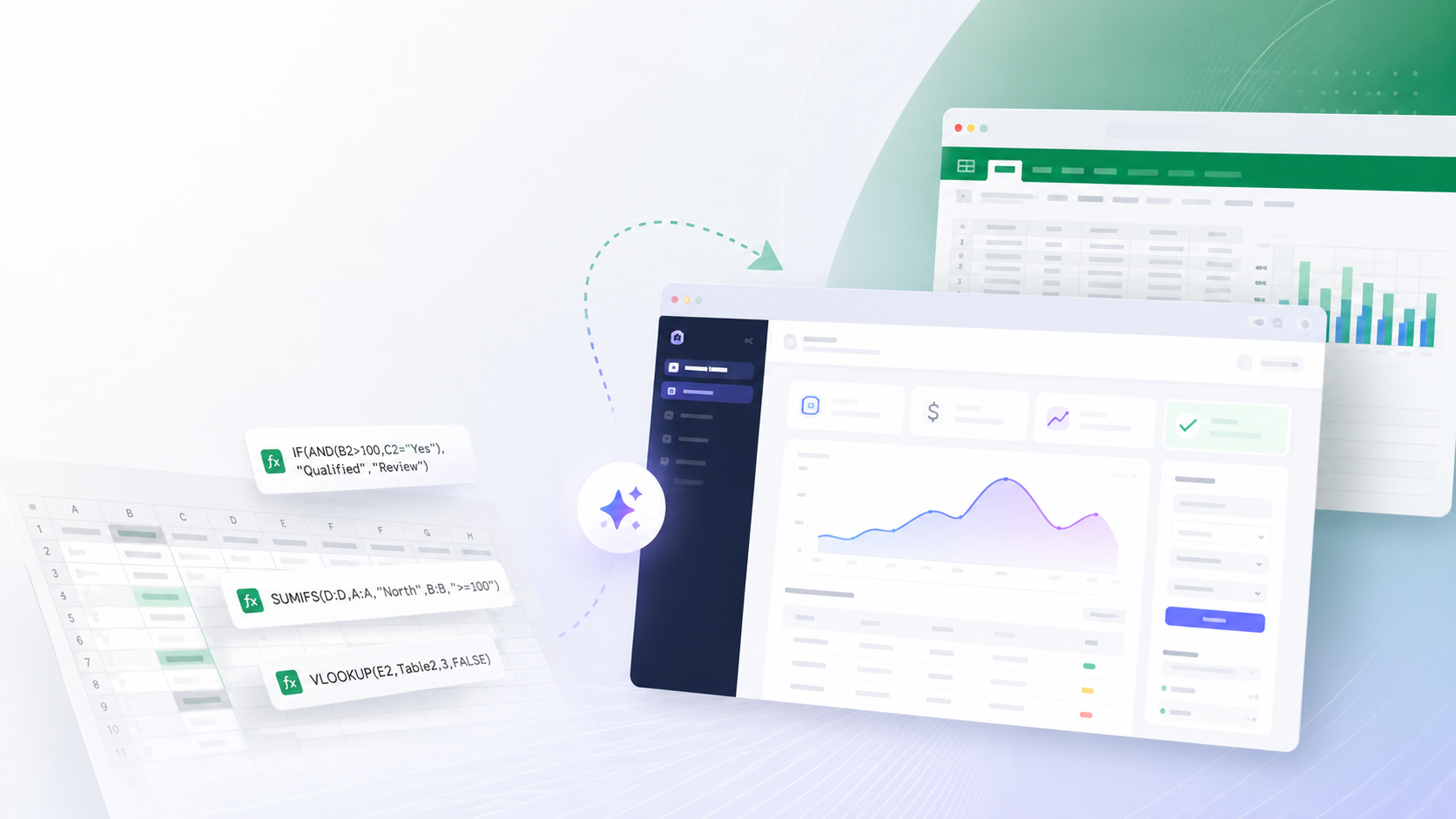
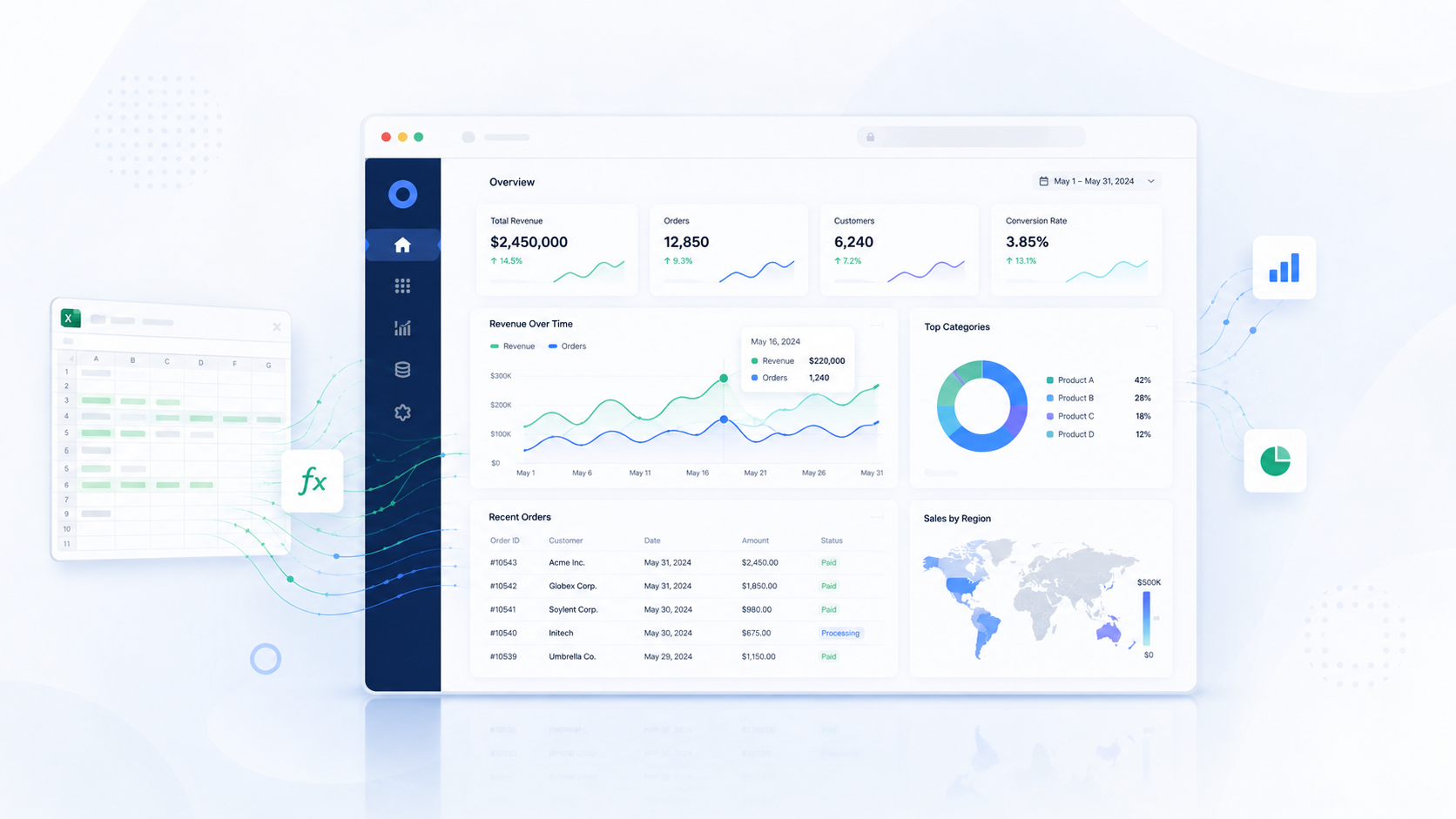
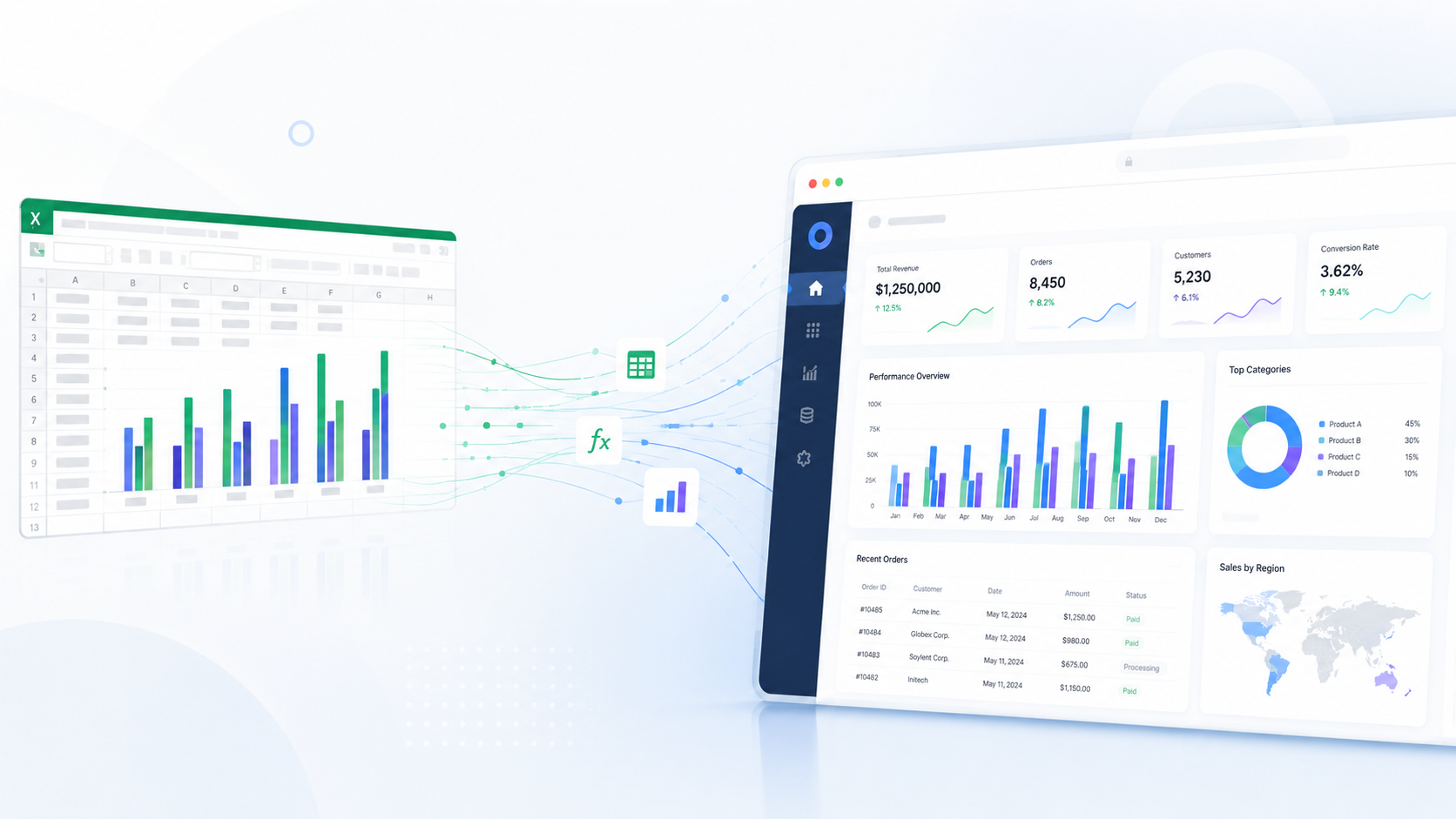
This is often the point where a web application becomes the next logical step, not because Excel is bad, but because the process has become too important to depend on a fragile file.
The goal is not to copy Excel into a web app
One of the most common mistakes in this kind of project is trying to recreate the spreadsheet directly in the browser. That usually produces a clumsy system because spreadsheets and web applications solve different problems.
Excel is open and flexible. Users can jump between sheets, edit cells, copy values, and work around missing structure. A web application needs clear forms, validation rules, permissions, user flows, calculation logic, statuses, exports, and predictable outputs.
That is why the real goal is not to copy the sheet layout. The goal is to understand what the spreadsheet actually does.
What needs to be identified before anything is built
We need to understand what information users enter, which fields are required, which calculations run automatically, which lookup tables are involved, which conditions change the result, and which outputs the business depends on.
It also matters which steps are manual today, which users are involved, which decisions need approval, and which parts must be tracked for history or audit purposes.
Only after that analysis can the logic be translated into a proper application.
A good web application should not feel like a complicated spreadsheet in the browser. It should guide users through the process in a cleaner and safer way.
Example: from Excel file to document workflow
Imagine a company uses Excel to process invoices or expense receipts. The file may calculate allocation keys, split amounts, prepare accounting instructions, and support category selection.
In that situation, Excel is not just calculating numbers. It is supporting a full business workflow that includes document handling, validation, decision rules, and accounting preparation.
If we only focus on formulas, we miss the bigger picture. The future application may need uploads, OCR or manual entry, categories, approval steps, allocation logic, exports, permissions, and history tracking.
That is much more than Excel online. It is a real business system.
Why this kind of project needs careful planning
Excel-to-web projects become risky when the analysis is rushed. Complex files often contain hidden formulas, old sheets, copied values, manual workarounds, and exceptions that live only in the way employees use the file.
If those details are missed early, the new system may produce the wrong result even if the code looks correct.
That is why the planning phase matters so much. The team needs to understand which parts are still used, which parts are outdated, which formulas are business-critical, which values are entered manually, and which outputs the business truly trusts.
This is not only a technical task. It is business analysis, process mapping, and software design working together.
What the client gains
When complex Excel logic is turned into a web application properly, users no longer need to understand the whole spreadsheet just to complete their work. The business logic becomes safer because formulas cannot be changed accidentally, and the data becomes centralized instead of scattered across versions of the same file.
Reporting also becomes easier because management can see totals, categories, statuses, and trends without manually collecting spreadsheets. The process becomes easier to scale, and the business becomes less dependent on one person who knows how the file works.
Most importantly, the company gains a system that reflects how the process actually works.
When should a business move beyond Excel
Excel does not need to be replaced in every situation. It is still excellent for quick analysis, simple calculations, and flexible planning.
But it is usually time to consider a web application when the file is used by multiple people, contains important business logic, depends on manual steps, has too many versions, or is understood by only one or two employees.
It may also be time to move away from Excel when errors are expensive, approvals are required, documents need to be attached, audit history matters, or the output is used for accounting or official reporting.
The right moment is usually when Excel stops being a helpful tool and starts becoming a business risk.
Closing thought
Complex Excel files often contain valuable business knowledge built over years of practical work. The goal is not to throw that knowledge away.
The goal is to understand the logic, translate it into clear application rules, and build a system that removes fragility without losing what already works.
A good Excel-to-web project keeps the knowledge, removes unnecessary complexity, and turns a risky spreadsheet into a reliable business system.