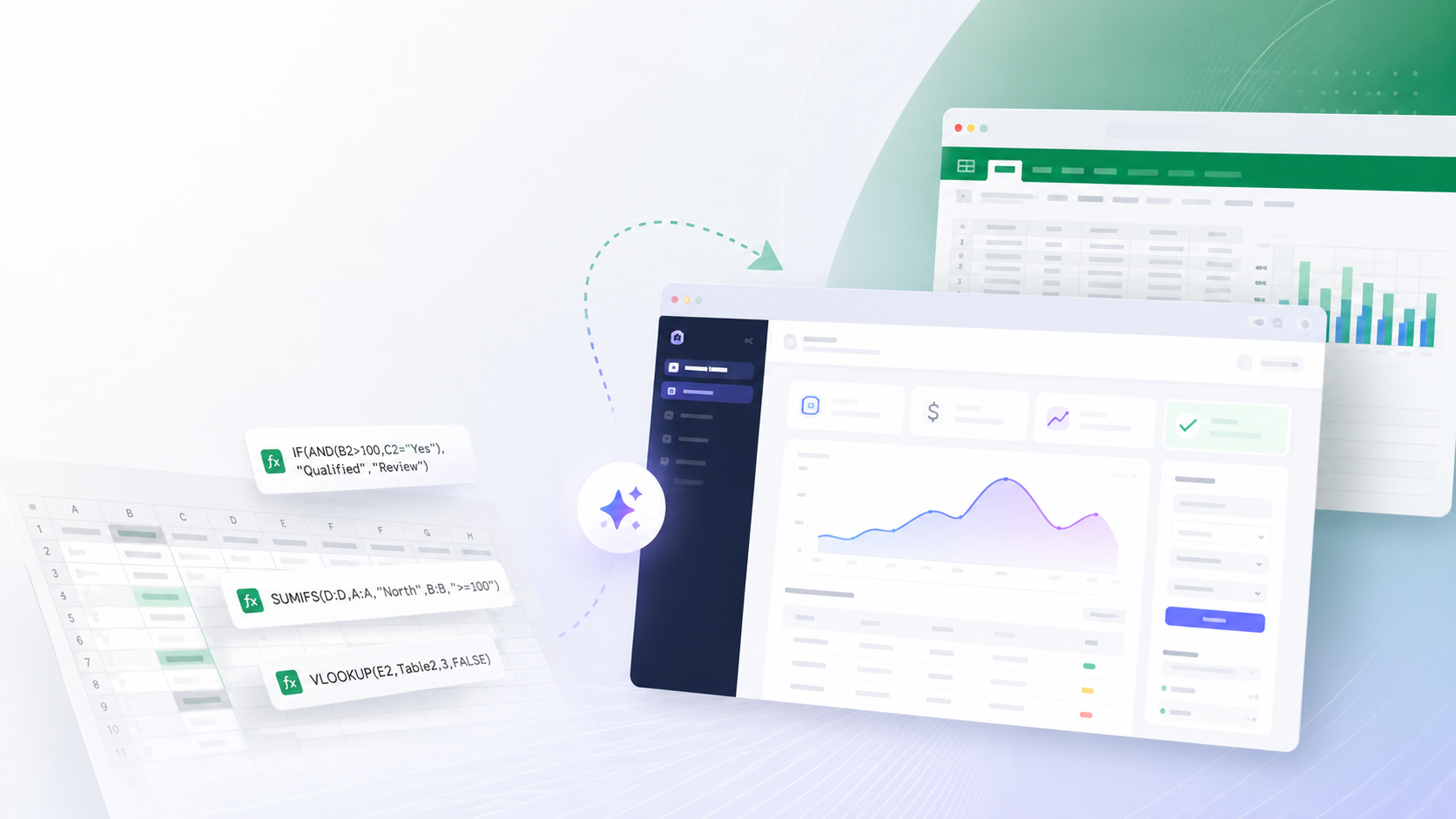
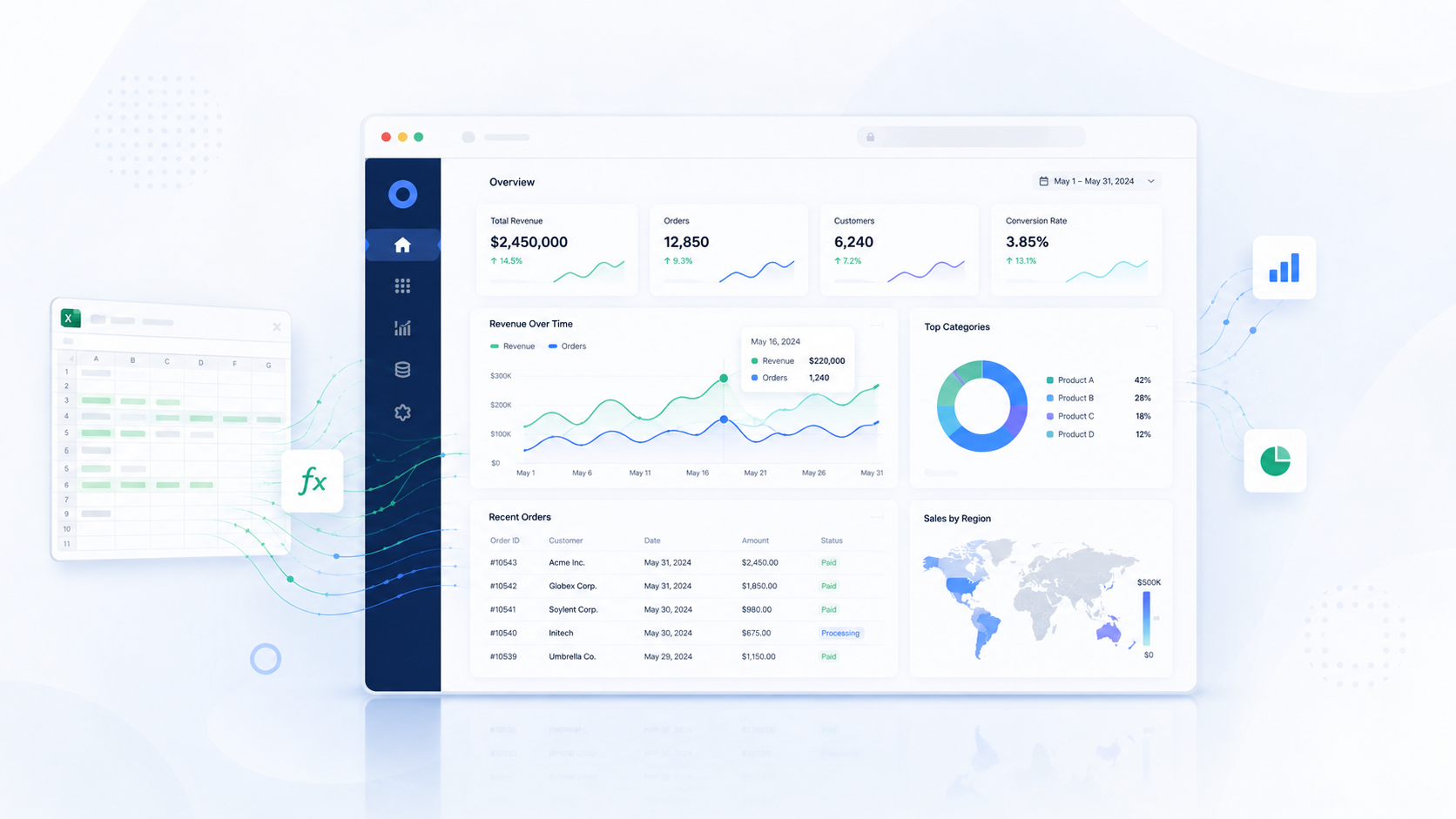
Before a complex Excel file can become a web application, it needs to be understood properly. This is the part of the project that is easiest to underestimate.
From the outside, a spreadsheet may look like a set of sheets, formulas, dropdowns, and tables. In reality, it often contains years of business logic, hidden assumptions, and manual habits that never made it into formal documentation.
That is why technical discovery matters. The goal is not to redesign the system immediately. The goal is to understand what the file does, which parts are reliable, which parts are risky, and how the logic should be translated into software.
Start with the business process, not the formula
A common mistake is opening the workbook and jumping straight into formulas. That is usually too early.
Before analyzing cells, we need to understand who uses the file, when it is used, what goes into it, what comes out of it, who depends on the output, and what happens if the output is wrong.
This matters because the spreadsheet may only represent part of the process. A file that appears to calculate allocations might actually sit inside a wider workflow that includes document scanning, approvals, export preparation, and archive storage.
If we only analyze formulas, we may build a calculator when the client actually needs a full operational module.
Identify all inputs
The first practical step is to identify every input. That includes values users type, paste, import, select, or update manually.
Typical examples include document number, invoice date, supplier, cost category, cost center, department, amount, currency, tax rate, project, allocation type, approval status, and notes.
For each input, the team needs to understand whether it is required, whether it is manual or imported, whether it comes from a dropdown list, who may change it, and whether changing it affects the result.
This later shapes database fields, form design, validation rules, and permissions.
Identify static data and lookup tables
Many spreadsheets rely on lookup tables. Sometimes they are obvious. Sometimes they are buried in hidden sheets, named ranges, helper columns, or protected sections.
These may include cost categories, departments, cost centers, accounting codes, supplier lists, allocation keys, tax rates, project codes, document types, or percentage splits.
In a web application, these usually become master data. That is where the project starts moving from spreadsheet thinking into application thinking.
Excel often mixes master data, calculations, and user input in one file. A well-designed application should separate them.
Map formula dependencies
Once inputs and lookup tables are identified, the next step is dependency mapping. In other words, we need to understand how values move through the workbook and which steps affect the final output.
In a simple file, this is easy. In a complex one, formulas may depend on multiple sheets, hidden helper cells, named ranges, external files, and manually pasted values.
The goal is to see which formulas are business-critical, which are just helper calculations, which rely on hidden structures, and which are inconsistent or duplicated.
This is especially important when the output has financial meaning. If the future application calculates something differently, that difference must be understood rather than discovered too late.
Detect hidden and manual logic
Not all logic is written in formulas. In many Excel-based workflows, some of the most important rules are manual.
A team may know that a certain supplier is always reviewed manually, that an old sheet is not used except for one formula, or that a value gets copied from last month when a field is empty. None of that is obvious from looking at the workbook alone.
That is why discovery also includes user interviews. The real question is not only what a formula does, but how people actually use the file in daily work.
This is how we avoid copying old confusion into the new application.
Separate business rules from Excel workarounds
One of the most important discovery tasks is separating true business rules from spreadsheet workarounds.
A business rule is something the application must preserve, such as requiring approval above a threshold or assigning a cost to a certain department under specific conditions.
A workaround exists only because Excel was the tool. Hidden helper columns, copied template rows, color-coded statuses, protected ranges, and multiple file versions usually belong in that category.
The new application should keep the business rules but replace the workarounds with proper software behavior.
Define how calculations will work in the application
After the spreadsheet logic is understood, the team needs to decide how calculations should be implemented. Some rules can live directly in backend services. More complex cases may need a separate calculation engine or configurable rule tables.
The key questions are which calculations are fixed, which are configurable, which rules admins may update, which results must be stored, and whether past records need to preserve the rule version used at the time.
That last point matters more than many teams expect. If a business changes an allocation rule in July, records from January often need to keep the result that was valid in January.
Create test cases from the original file
Before replacing Excel, real examples from the spreadsheet should be turned into reference test cases.
For each one, the team should capture the inputs, expected intermediate values, final result, special conditions, manual adjustments, and final business output.
When the web application is built, the same inputs should produce the same result unless the client intentionally changed the rule. This is one of the strongest ways to build trust in the new system.
Document the future workflow
Technical discovery should not end with formula notes. It should produce a clear picture of the future workflow.
That may include steps such as uploading a document, assigning a number, entering key data, validating required fields, determining an allocation method, calculating the result, showing a preview, triggering approval, generating an accounting instruction, and archiving the record with full history.
This workflow becomes the bridge between Excel and software. It helps the client understand what will change, and it helps developers understand what needs to be built.
What good discovery should deliver
By the end of the discovery phase, the team should have a clear process map, input and output lists, a formula dependency map, a master data list, business rules, exception handling notes, validation rules, roles and permissions, calculation test cases, and a future workflow.
Those deliverables reduce uncertainty before development starts and make estimation far more realistic.
Without discovery, scope is usually shaped by assumptions. With discovery, the application can be built around known logic instead of guesswork.
Closing thought
Turning Excel logic into a web application starts long before coding. The most important work often happens during discovery.
This is where hidden rules are surfaced, workarounds are separated from real business logic, and the future system becomes clear enough to design responsibly.
A complex spreadsheet should not be copied blindly into software. It should be analyzed, structured, and translated with care.